Google Tag Manager + Linkz.ai
It takes 2 minutes to install Linkz.ai link preview popups in Google Tag Manager
How to add Linkz.ai link auto-preview popups to Google Tag Manager?#
Prerequisite: Sign-up to Linkz.ai, add your website & get Linkz.ai code snippet
You can load Linkz.ai script via Google Tag Manager or any other similar tag manager tools.
- Create a free Google Tag Manager (GTM) account or use your existing one
- During GTM account creation, for Container Setup select “Web” if you are adding Linkz.ai on a website or “iOS”/“Android” if you are installing in a mobile app
- Create a new tag in Google Tag Manager - “Custom HTML”.
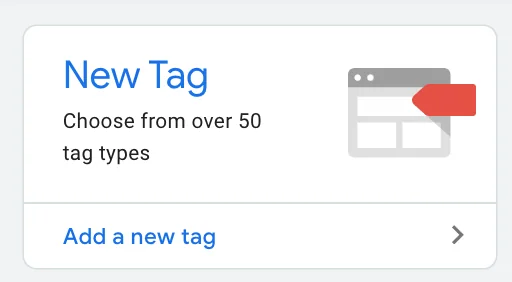
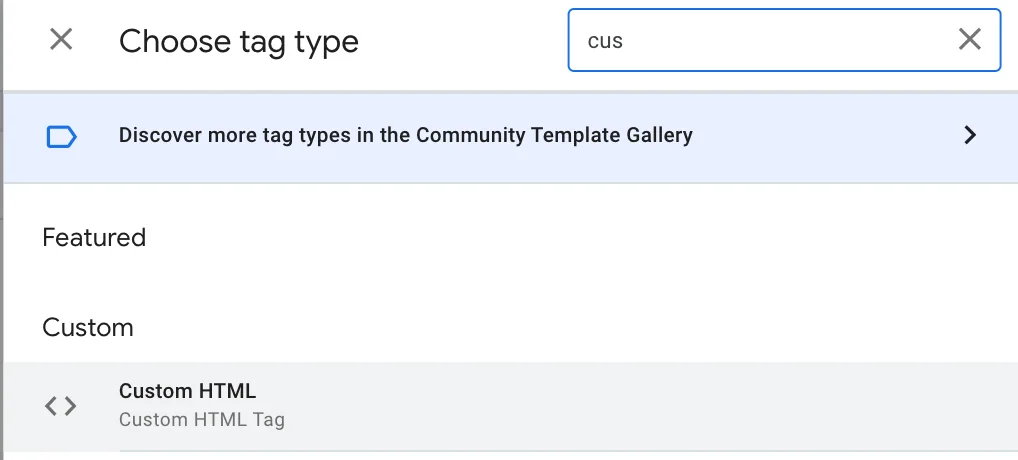
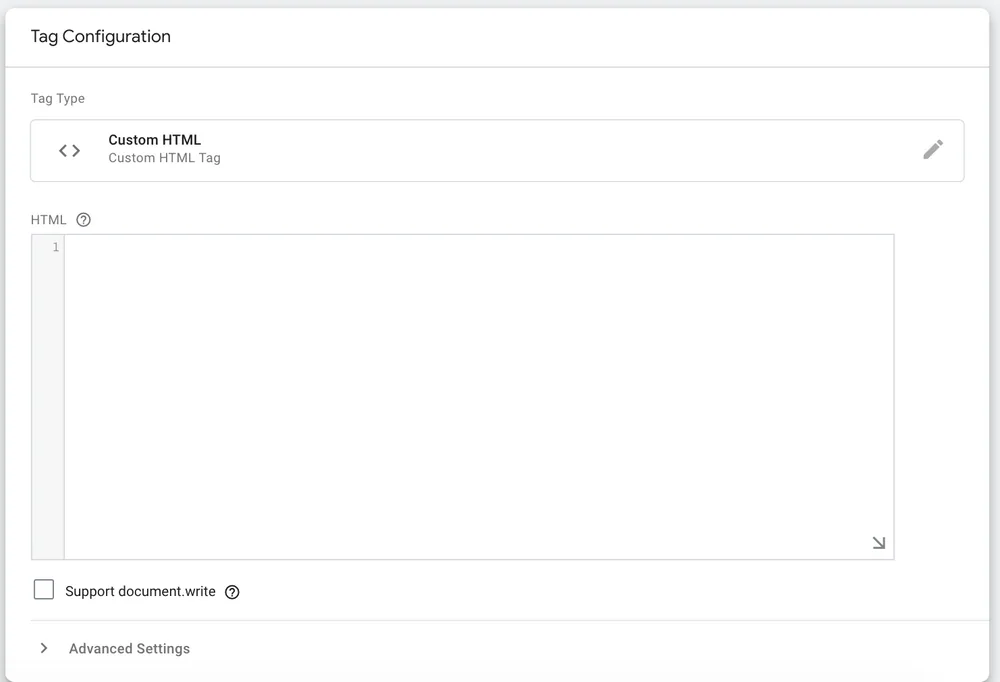
- Via this tag type you can insert Linkz.ai code snippet.
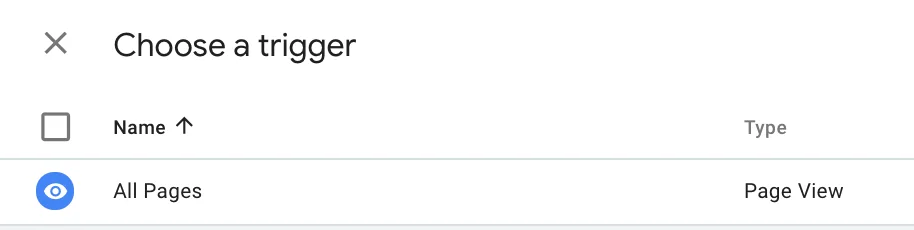
- Set a trigger to “All Page Views”
- Add Google Tag Manager Code to your website or insert GTM id (stars with GTM-*****) into your website builder.
Still stuck? Chat with us
Tell us what you are trying to set up and someone from the Linkz.ai team will help you finish it.